

Overview
Whatsapp is becoming the most popular messenger in today's era. It is attracting people attention because of so many reasons. That includes Performance, Media transfer, Data optimization and Disk space optimization. One of the main reason is its security. Whatsapp is securing its data on the network and data on device on daily basis. Where many of humans still want to decrypt the database stored on device for some own purposes. This guide will show how to decrypt Whatsapp database on non-rooted devices.
Decrypt whatsapp database:
Whatsapp database is encrypted using an encryption key that is stored on Android system folder. Where that folder is not accessible to normal users. To get that key, you need to root your android device. That can also violate security of device and can also void warranty. Most of the guides will tell you to root your phone. Hence you still got a way to get that key for decryption.
Need help with Guides & Tutorials?
Get a free strategy session with our experts — no commitment required.
First of all, you need to download Whatsapp Key DB Extractor.
Once downloaded, Extract package. Extracted folder contains some folders and files that contains following files too.
WhatsAppKeyDBExtract.bat
WhatsAppKeyDBExtract.ps1
WhatsAppKeyDBExtract.sh
If you're running windows on your computer, you need to run "WhatsAppKeyDBExtract.bat". I'm using Linux platform, so i'll continue it that way. Hence the process is same after android connectivity.
Extract package and open it. Open terminal in current directory by right clicking in folder and select "Open in Terminal".
Type './WhatsAppKeyDBExtract.sh' in the terminal. Because of permissions, you might get permission denial error. But you can change permission by the following command:
'chmod 777 WhatsAppKeyDBExtract.sh'
After executing this command, type './WhatsAppKeyDBExtract.sh'. It will run the program as following:
Key steps and notes
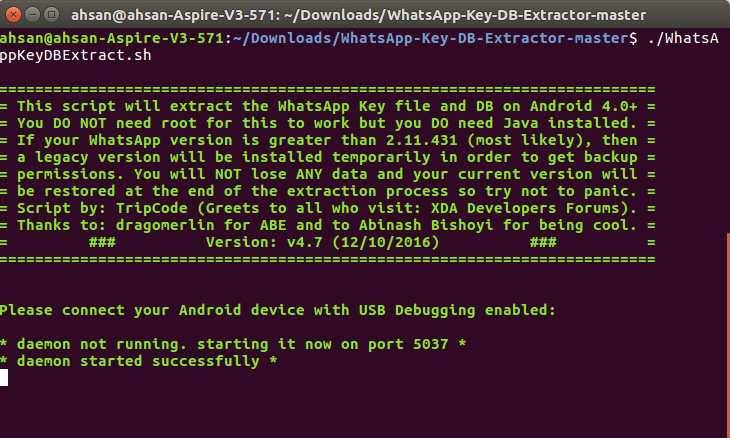
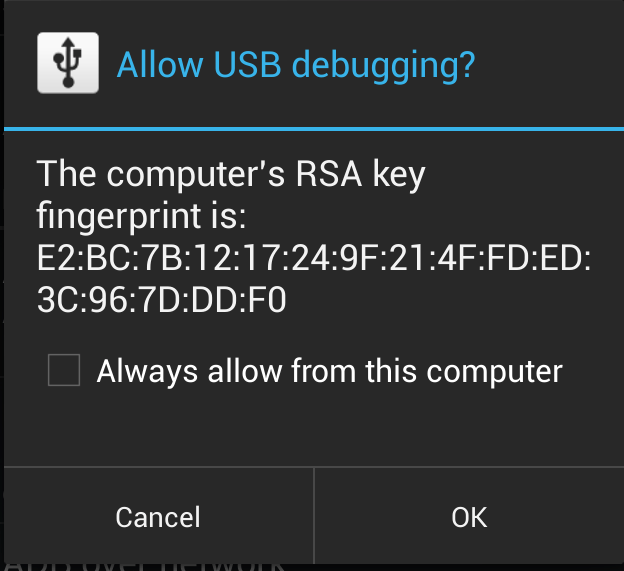
After it, connect android device to your computer and enable USB Debugging on device. On connectivity, Mobile phone will prompt ask permission for your Computer MAC debugging option. By allowing it, you'll see Following steps being performed in your terminal:
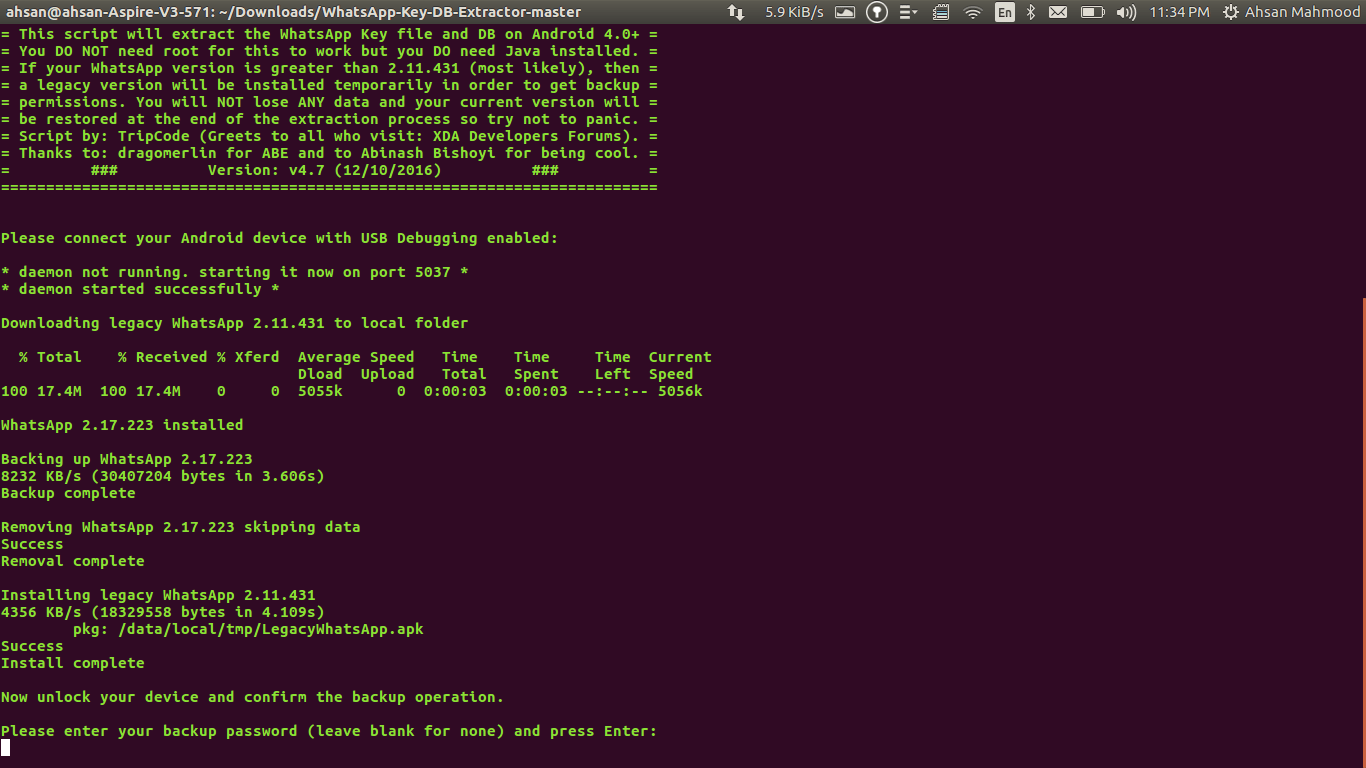
After performing steps, you'll see on mobile. There will be a prompt for "Full Backup", that will actually backup your whatsapp data from your mobile phone to your computer.
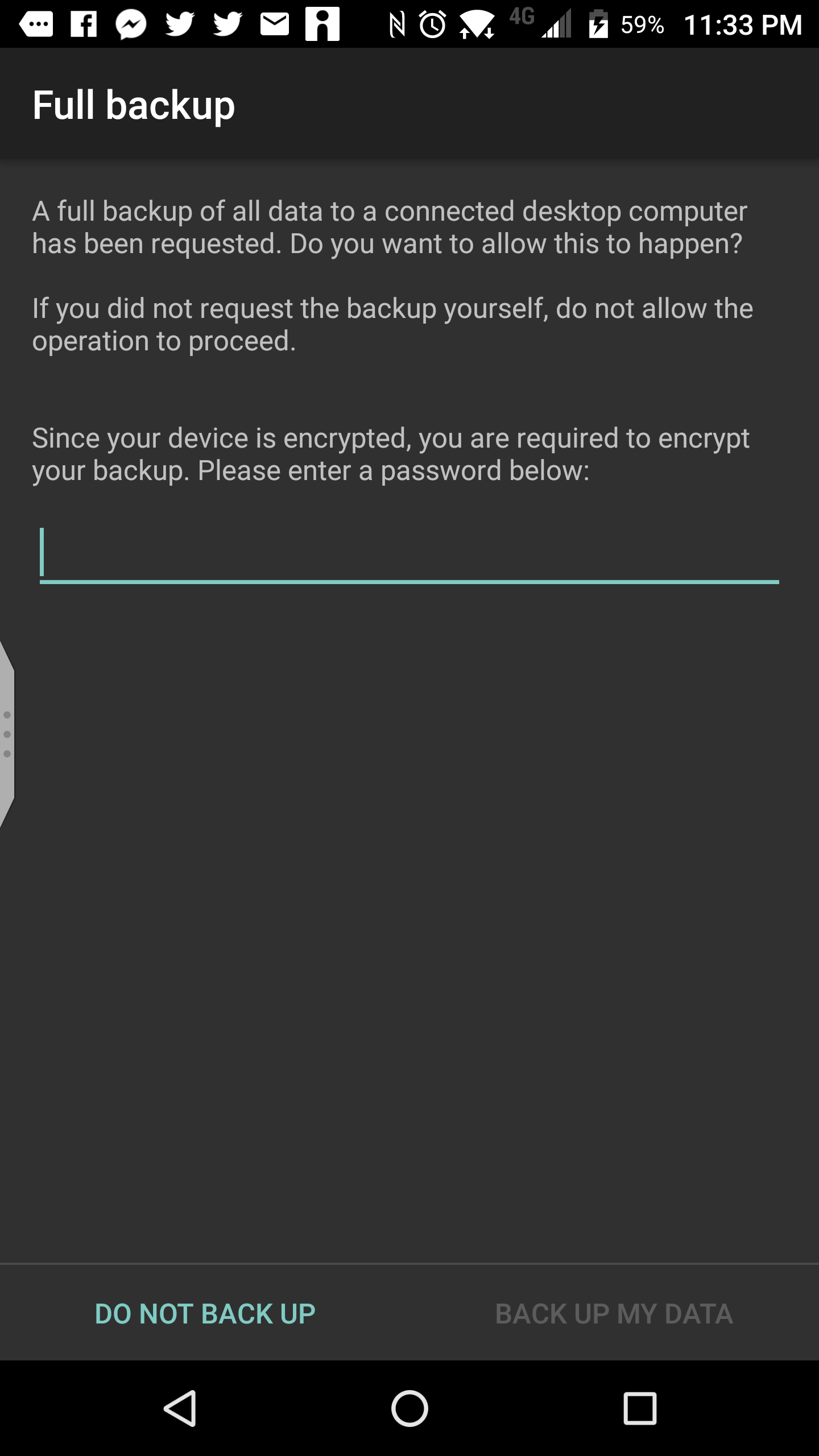
Enter some password for encryption of Backup and Press "Backup My Data". Wait for few seconds to few minutes because backing up is in process.
Once completed, you'll get prompt on mobile screen and backup screen will disappear. In terminal, insert the passwordthat you used for backup in mobile phone.
After inserting password, Program will start decryption of database. You need to wait for few seconds, until the decryption is in processing.
When decryption is done, there you'll see following notification on Terminal:
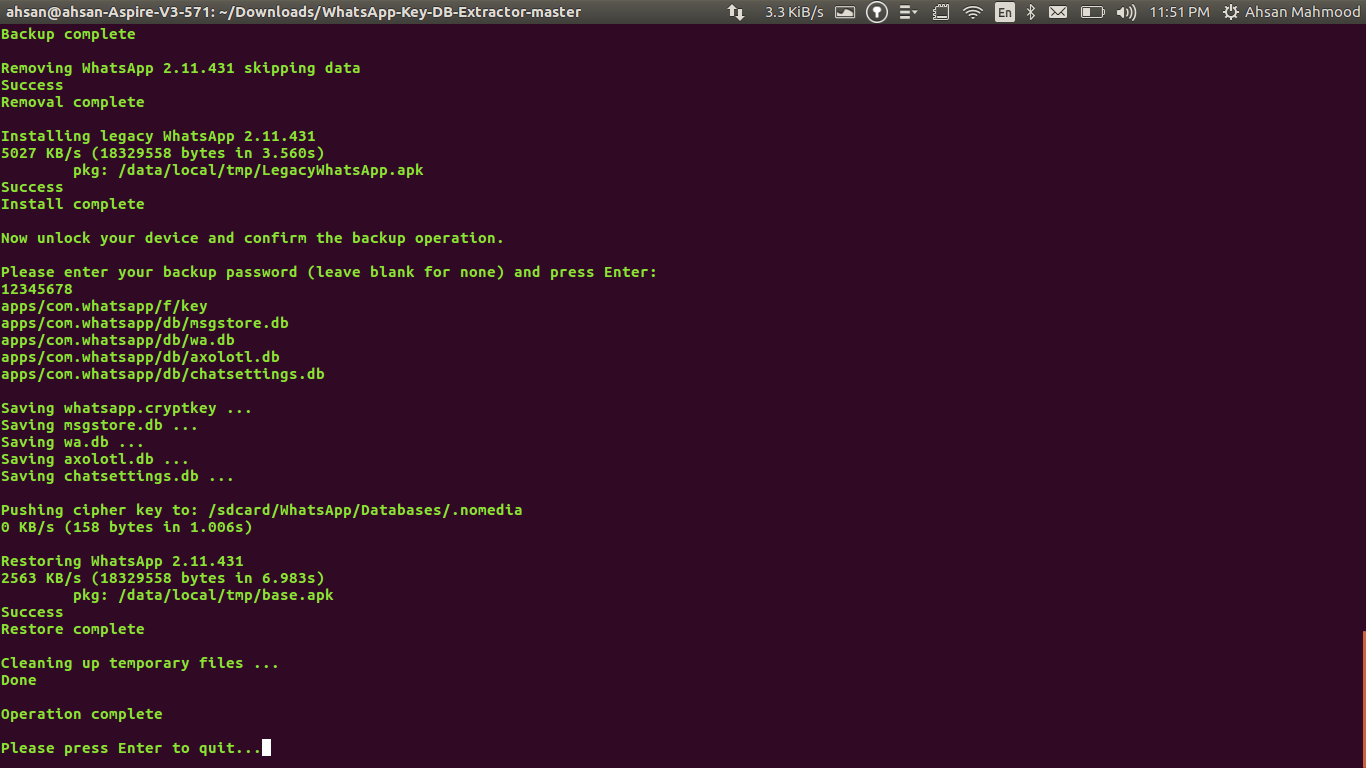
Press enter and open WhatsApp Key DB Extract folder. You'll see "Extracted" Folder. Following files will be in that folder.
Final notes
- axolotl.db
- chatsettings.db
- msgstore.db
- wa.db
- whatsapp.cryptkey
In these files, "msgstore.db" is your decrypted database containing your chats and media tracks and "whatsapp.cryptkey" is your database encryption key. You can save key file for future use.


