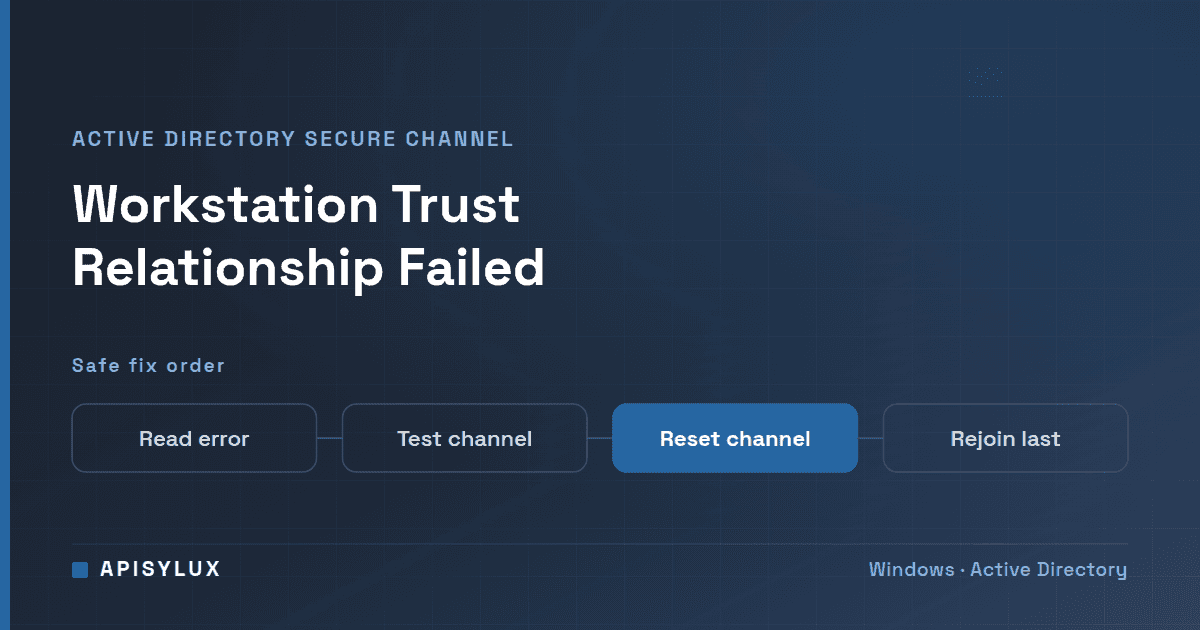
"The trust relationship between this workstation and the primary domain failed" means the computer's machine account password no longer matches the one Active Directory holds, so the PC cannot set up its secure channel to a domain controller and domain sign-in is refused. Sign in with a local administrator account, then run Test-ComputerSecureChannel -Repair in Windows PowerShell with domain admin credentials to rebuild the channel, and restart. Rejoin the domain only if that fails.
Key takeaways
- Every domain-joined computer has its own account and password. Windows changes it about every 30 days by default, and the error appears when the two copies (on the PC and in Active Directory) disagree.
- Work in this order: check DNS and connectivity, test the secure channel, repair it, reset the machine password, and only then consider rejoining the domain.
- A virtual machine reverted to an old snapshot, a restored backup, or a restored domain controller are classic causes. Fix those first or the error returns.
- Rejoining the domain is the last resort and has real side effects for local profiles and anything tied to the computer account. Back up first.
- In short:
Test-ComputerSecureChannelto diagnose,-RepairorReset-ComputerMachinePasswordto fix, rejoin as a last step.
What does "the trust relationship between this workstation and the primary domain failed" mean?
In Active Directory, each device has an account and a password. By default, domain members submit a password change every 30 days (Microsoft's policy reference). That password protects the secure channel between the computer and a domain controller. When the PC and the domain hold different passwords, the channel fails and domain logons are rejected, even though the user's own password is correct.
Microsoft's troubleshooting guide lists the symptoms: you cannot sign in with domain credentials and get this error, but you can still sign in with a local account or cached credentials. You may also see a NETLOGON error, Event 3210, in the System log, saying the computer could not authenticate with a domain controller. The event text adds that the cause might be "another computer on the same network using the same name or the password for this computer account is not recognized." Running nltest /sc_query:contoso.com may return ERROR_ACCESS_DENIED (status 5). Source: Broken trust relationship between domain-joined device and its domain.
Need help with Helpdesk?
Get a free strategy session with our experts — no commitment required.
What causes a broken trust relationship?
Microsoft names two common scenarios: the client has an older password than Active Directory, or Active Directory has an older password than the client. Typical triggers differ for each.
| Scenario | Typical cause | How to spot it |
|---|---|---|
| Active Directory has the newer password | A virtual machine reverted to an old snapshot, a machine restored from a bare-metal backup or a system restore point, or an unexpected shutdown or power loss after a password change | Recent boot time, a gap in the System log, restore events 1208 or 8202, or shutdown events 41 or 6008 |
| The client has the newer password | Active Directory replication problems, a domain controller recovered from a backup, or an authoritative restore of the computer object | Fix on the Active Directory side, then reset the channel |
| Duplicate name | Another computer on the network using the same name (the Event 3210 text mentions this) | Look for another device with the same computer name, for example a clone |
The comparison Microsoft recommends is between the computer account's pwdLastSet value in Active Directory and the local LSA secret's cupdtime. With the Active Directory PowerShell module you can read the first value with Get-ADComputer '<ComputerName>' -Properties PasswordLastSet | Format-List. On the PC, a System log Event 5823 from NETLOGON records the last successful password change. The full method is in Data collection for troubleshooting secure channel issues.
For a virtual machine, Microsoft's checklist is to look for time jumps in the System log and a recent boot (Kernel-General Event ID 12). If the machine was reverted to a snapshot taken before its last password change, the repair below fixes the symptom, but the error will come back after every such revert (see the prevention section).
What should I check before changing anything?
Secure channel repair needs the PC to reach a domain controller. Rule out the network first, because a DNS or firewall fault can look similar and no repair will help.
- Sign in with a local administrator account (type
.\Administrator, or your local admin name, at the sign-in screen), since domain sign-in is what is failing. - Confirm the PC uses a DNS server that can resolve your domain. Microsoft's domain-join guidance suggests
nltest /dsgetdc:<DNS domain name> /forceto check that the computer can find a domain controller (networking errors when joining a domain). - If that fails, fix DNS, VPN or firewall first. Microsoft publishes the ports and protocols in its firewall guidance for AD domains and trusts.
- Check that the computer name in the registry is the plain name, not the fully qualified domain name (FQDN). Microsoft's troubleshooting guide gives these two read-only queries:
Also make sure no other machine on the network uses the same name.reg query HKEY_LOCAL_MACHINE\SYSTEM\CurrentControlSet\Control\ComputerName\ComputerName /v ComputerName reg query HKEY_LOCAL_MACHINE\SYSTEM\ControlSet001\Services\Tcpip\Parameters /v hostname - Check that domain controllers replicate.
repadmin /replsummary /bysrc /bydest /sort:deltais the command Microsoft's domain-join article gives to detect replication errors.
How do I test and repair the secure channel without rejoining the domain?
Open Windows PowerShell as administrator on the affected PC. Use the built-in Windows PowerShell 5.1, not PowerShell 7: Microsoft lists Test-ComputerSecureChannel and Reset-ComputerMachinePassword among the cmdlets removed from PowerShell 7 (differences from Windows PowerShell). The Test-ComputerSecureChannel cmdlet verifies the channel and returns True if it works and False if it does not. It only works on domain member computers; on domain controllers it returns false positives, so use netdom or nltest there (Test-ComputerSecureChannel).
Test-ComputerSecureChannel -VerboseIf it returns False, repair it. The -Repair switch removes and then rebuilds the channel established by the Netlogon service, and the current user must be a member of the local Administrators group. You are signed in as a local administrator, so pass a domain account with -Credential. The cmdlet reference asks for an account "that has permission to perform this action", and Microsoft's resolution steps say to use domain admin credentials:
$cred = Get-Credential   # a domain admin account, for example CONTOSO\Admin01
Test-ComputerSecureChannel -Repair -Credential $cred -Verbose
Microsoft's resolution steps run this cmdlet, or the command-prompt equivalent nltest /sc_reset:domain_name, and then restart the computer (resolution when Active Directory has the newer password). Restart, then try a domain sign-in.
If the cause was on the Active Directory side (replication trouble, a restored domain controller or an authoritative restore of the computer object), Microsoft says the issue "can't be resolved on the client device end." Resolve that first, then reset the channel (when the client has the newer password).
How do I reset the machine password with Reset-ComputerMachinePassword or netdom?
If the repair did not hold, reset the computer account password itself. Reset-ComputerMachinePassword changes the computer account password that the computer uses to authenticate to domain controllers, and it can target a specific controller and credential (Reset-ComputerMachinePassword):
Reset-ComputerMachinePassword -Server "DC01" -Credential Domain01\Admin01Replace DC01 and Domain01\Admin01 with a real domain controller and an account allowed to reset computer passwords in your domain. Restart afterwards.
From the command line, Microsoft documents netdom reset for workstations. It resets the secure connection between a workstation and a domain controller, runs from an elevated prompt, and needs the AD DS tools or RSAT installed (netdom reset):
netdom reset MYWKSTA /domain:contoso.com /UserO:CONTOSO\Admin01 /PasswordO:*You may also see netdom resetpwd suggested for this error. Microsoft documents it as resetting the machine account password for a domain controller, to be run on that domain controller, and says it does not support remote machines or member servers (netdom resetpwd). Do not use it on a workstation.
To check the result, run Test-ComputerSecureChannel again (it should return True) or nltest /sc_query:contoso.com, where a healthy channel reports NERR_Success and the trusted domain controller name.
When must I rejoin the domain, and what does it risk?
Rejoining is valid. Microsoft notes that some administrators rejoin the machine to fix a broken secure channel and calls it "a valid solution," but adds that if the problem keeps returning you need to find the root cause. Treat it as the last step, after DNS, replication, the secure channel repair and a machine password reset have all failed.
Warning: leaving the domain is the destructive step. Once the PC is in a workgroup it no longer accepts domain sign-ins at all, and getting back depends on the rejoin succeeding. Check these before you start:
- Data and profiles. Back up the user's data first. Profile behaviour after a rejoin depends on your environment, so do not rely on it.
- A working local administrator. You need a local administrator account whose password you know, because that is the only way back in while the PC is out of the domain.
- Keep the computer object. Do not delete the computer account in Active Directory as a first step. For domain-joined devices, BitLocker recovery information is stored in a child object of the computer object, and Microsoft notes that old recovery keys are removed from AD DS only when the computer object is deleted (BitLocker recovery overview). Group memberships and permissions granted to that object would be lost with it too.
- Account reuse rules. A domain join tries to reuse an existing computer account with the same name. Since the October 11, 2022 Windows updates, that reuse is allowed only if the person joining created the account, the account was created by a member of Domain Admins, or a domain policy allows it. Otherwise the join fails with error 0xaac (2732), "An account with the same name exists in Active Directory. Re-using the account was blocked by security policy" (KB5020276). Plan to rejoin with a suitable account.
The safe order is:
- Try
Test-ComputerSecureChannel -Repair, thenReset-ComputerMachinePasswordornetdom reset, which keep the existing computer object. - Back up data, confirm the local administrator password, and have the BitLocker recovery key to hand.
- Sign in as the local administrator and switch the PC to a workgroup. Restart.
- Join the domain again with an account that is allowed to reuse the computer account (see above), then restart.
- Sign in with a domain account and run
Test-ComputerSecureChannelto confirm it returnsTrue.
How do I stop the trust relationship failing again?
- Snapshot discipline. A snapshot taken before the machine's last password change is out of date as soon as it is reverted, and the password changes every 30 days by default. Reverting to an old snapshot is a named cause in Microsoft's guidance, so after any revert, check the secure channel. For pooled or non-persistent VDI, Microsoft says the VDI administrator must confirm the VDI services are not interfering with Netlogon's secure channel operations.
- Restore carefully. After restoring a domain controller or a computer object from backup, check replication and reset affected computers' secure channels deliberately.
- Keep password changes on. Microsoft recommends leaving the maximum machine account password age at about 30 days, and warns that lengthening or disabling it gives an attacker more time to guess the account password.
- Watch replication. Run
repadmin /replsummaryregularly so replication faults are caught before they strand a computer account. - Unique names. Rename cloned or imaged machines before joining them. Duplicate names can cause this error too.
FAQ
Can I fix it while logged in with a domain account?
Usually not, because domain sign-in is what failed. Sign in with a local administrator account. Cached credentials may still work, as Microsoft notes, but the repair is best done as a local administrator.
Is Test-ComputerSecureChannel -Repair safe to run?
Per Microsoft, it removes and rebuilds the Netlogon secure channel. That is far less invasive than leaving and rejoining the domain, which makes it the right first fix. Back up important data before any change.
Why does the error come back after a few weeks?
Something keeps putting the machine password out of step: a snapshot revert, a restored backup, a clone with a duplicate name, or failing domain controller replication. Fix the cause, not just the symptom.
Does this apply to domain controllers?
Do not use Test-ComputerSecureChannel on a domain controller; Microsoft says it gives false positive errors there. Use netdom or nltest, and see netdom resetpwd for a domain controller's own machine account password.
What does nltest /sc_verify do?
Microsoft's archived nltest reference (written for Windows Server 2012 R2 and earlier) says it checks the status of the secure channel and, if the channel does not work, removes the existing channel and builds a new one; it needs administrative credentials. /sc_reset removes and rebuilds it directly, and is the form Microsoft's current troubleshooting articles use.
If you would rather have someone diagnose a recurring trust failure across your fleet, see our managed IT services, or ask about remote IT support for a single affected PC.