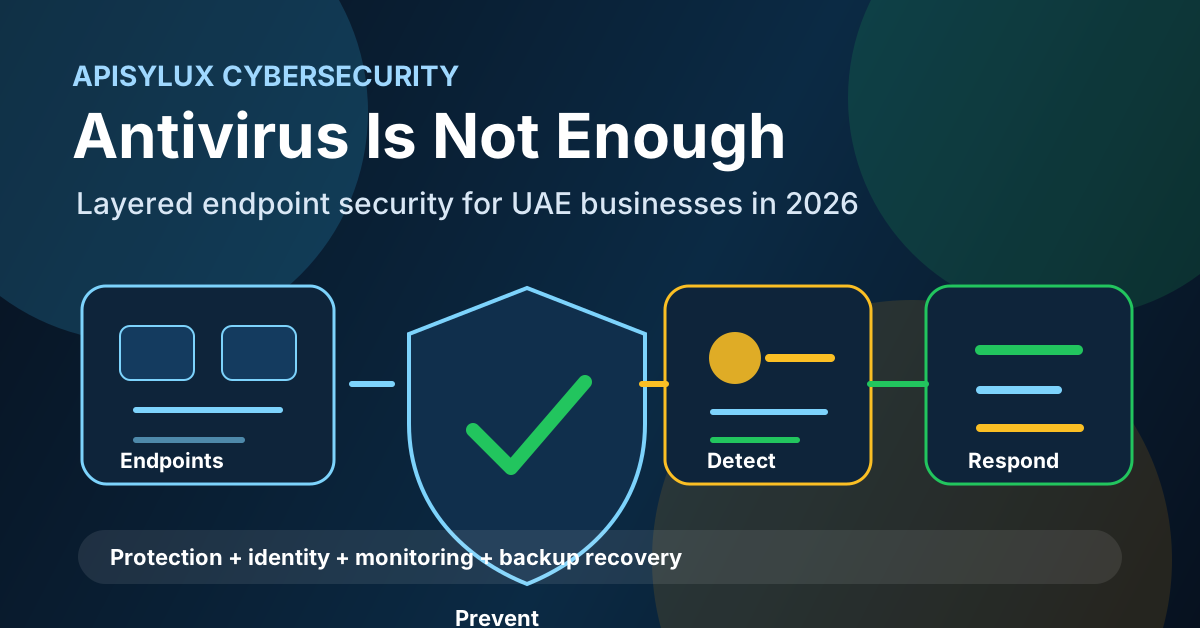
Choosing the best enterprise antivirus for a Dubai company in 2026 is no longer a simple antivirus licence comparison. The real question is whether your endpoint security stack can prevent common malware, detect suspicious behavior, respond to ransomware activity, and give your IT team enough visibility to act before one infected laptop becomes a business outage.
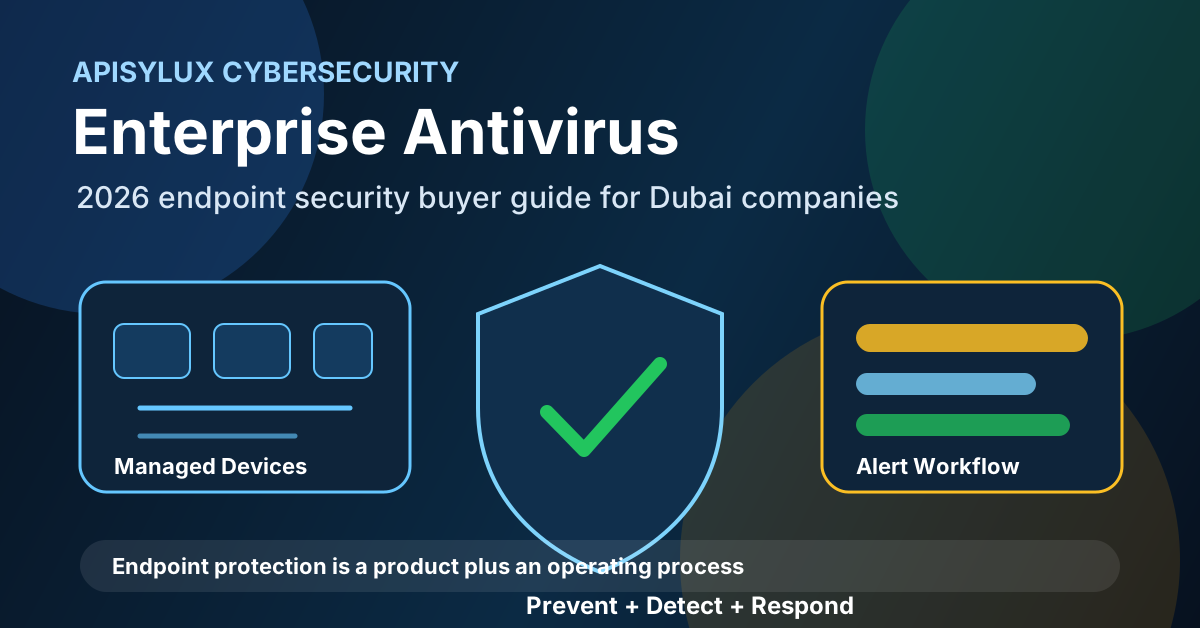
What changed in endpoint security
Traditional antivirus focused on known malicious files. That still matters, but it is only one control. A useful 2026 endpoint security plan should also cover behavior monitoring, attack surface reduction, device control, web protection, vulnerability visibility, investigation tools, and clear response workflows.
Need help with Cybersecurity?
Get a free strategy session with our experts — no commitment required.
NIST Cybersecurity Framework 2.0 describes cybersecurity as a lifecycle across governance, identification, protection, detection, response, and recovery. That model is a good way to evaluate endpoint tools: a product that only scans files does not cover the full operating need.
A practical 2026 shortlist
The right choice depends on your device estate and operating model. The products below are included because their current official product pages document endpoint protection, detection, response, or unified management capabilities. This is not a universal ranking; it is a practical procurement shortlist.
Microsoft Defender for Endpoint
Microsoft Defender for Endpoint is often the first platform to evaluate when a company already uses Microsoft 365, Entra ID, Intune, or Microsoft Defender XDR. Microsoft positions it as a multiplatform detection and response solution with next-generation antivirus, endpoint detection and response, exposure management, vulnerability management, network controls, and ransomware disruption capabilities.
Best fit: Dubai companies already standardized on Microsoft 365 Business Premium, E3, or E5 and wanting one security console for Windows, macOS, Linux, iOS, Android, and IoT coverage where licensing and operations fit.
Sophos Endpoint
Sophos Endpoint is a strong option for SMEs that want endpoint prevention, exploit mitigation, EDR/XDR options, and central management through Sophos Central. Sophos documents AI-powered prevention, exploit mitigation, built-in detection and response, ransomware rollback capabilities, and optional managed threat response services.
Best fit: Dubai SMEs that want a managed-security style rollout without building a full internal security operations team.
ESET Endpoint Security and ESET PROTECT
ESET Endpoint Security is positioned around multilayered endpoint protection, cross-platform support, a unified ESET PROTECT management console, ransomware protection, fileless attack protection, vulnerability and patch management options, XDR tiers, and MDR service tiers.
Best fit: companies that need lighter endpoint operations, mixed Windows/macOS/Linux coverage, and clear licensing tiers from endpoint protection through XDR/MDR.
Managed endpoint security through an IT partner
Many UAE businesses do not fail because they chose the wrong antivirus logo. They fail because no one monitors the console, follows up on failed agents, tunes policies, removes local admin rights, patches vulnerable software, or tests response steps. A managed deployment through a cybersecurity partner can pair the product with alert handling, policy review, monthly reporting, and incident escalation.
Apisylux can help assess your endpoints, Microsoft 365 tenant, firewall posture, backup readiness, and incident response process through our cybersecurity solutions, Microsoft 365 administration, and network monitoring services.
Comparison for Dubai businesses
| Option | Best for | Watch-outs | What to verify |
|---|---|---|---|
| Microsoft Defender for Endpoint | Microsoft 365-centered companies | Licensing and policy complexity can confuse small teams | Plan tier, Intune readiness, supported OS coverage, alert ownership |
| Sophos Endpoint | SMEs needing strong prevention plus optional managed response | Confirm exact tier and MDR/XDR inclusion before quoting | Central console setup, ransomware rollback scope, local partner support |
| ESET Endpoint Security | Mixed-device teams wanting lightweight endpoint protection | XDR, MDR, encryption, and patch management depend on selected tier | ESET PROTECT tier, mobile/server needs, patch-management requirements |
| Managed endpoint security | Businesses without a dedicated security team | Service quality matters more than the licence name | SLA, alert process, monthly reporting, escalation, backup/IR coordination |
Requirements to check before buying
- Operating systems: list Windows, macOS, Linux, mobile, server, and BYOD coverage separately.
- Management: confirm who owns the console, agent deployment, policy changes, exclusions, and offboarding.
- Ransomware response: check behavior blocking, rollback options, isolation controls, and backup coordination.
- EDR/XDR: decide whether you need investigation timelines, threat hunting, or cross-domain correlation.
- MDR: if you do not monitor alerts internally, evaluate managed detection and response from the vendor or a partner.
- Device control: review USB storage controls, web filtering, firewall controls, and application control needs.
- Microsoft 365 integration: if you use Entra ID, Intune, Defender XDR, or Sentinel, integration can reduce tool sprawl.
- Evidence: require monthly reports for device coverage, high-risk alerts, policy changes, and unresolved endpoints.
Deployment plan
- Inventory: collect device count, OS versions, remote users, servers, and business-critical applications.
- Pilot: deploy to a small group from finance, operations, management, and IT before full rollout.
- Policy baseline: enable real-time protection, web controls, device controls, ransomware protection, tamper protection, and alerting.
- Exclusion review: document every exclusion. Broad folder exclusions can create security gaps.
- Rollout: deploy in waves and track failed installations until endpoint coverage is complete.
- Response drill: test device isolation, alert triage, backup restore, and management notification steps.
Endpoint protection should connect to backup and recovery planning. If ransomware reaches file shares or business systems, endpoint isolation is only part of the response. Pair the rollout with tested backups using services such as Carbonite backup deployment and storage planning through TrueNAS storage solutions.
Recommendation by company type
- 5-25 users: start with Microsoft Defender for Business or a simple managed Sophos/ESET deployment, then add backup and MFA hardening.
- 25-200 users: choose a centrally managed platform with EDR, device control, reporting, and managed alert review.
- 200+ users: evaluate XDR, SIEM integration, vulnerability management, identity protection, and formal incident response retainers.
- Regulated or high-risk teams: prioritize MDR, privileged access review, email security, vulnerability scanning, and recovery testing.
If you want a product-neutral recommendation, Apisylux can audit your device estate, licensing, Microsoft 365 tenant, firewall, backup position, and internal support capacity before you buy. Book an endpoint security assessment and we will map the right endpoint protection stack for your Dubai office.