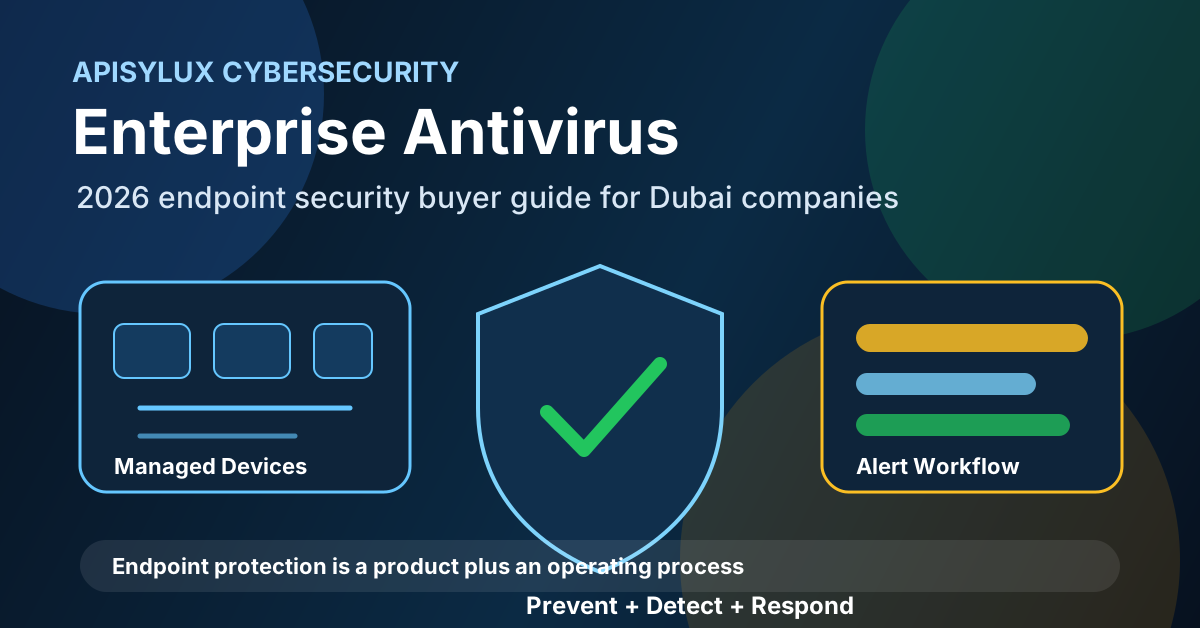
Antivirus still has a place in endpoint protection, but it is not enough by itself in 2026. UAE businesses now run Microsoft 365, cloud apps, remote laptops, mobile devices, VPNs, SaaS systems, and shared file storage. A single infected laptop, stolen password, or unmonitored admin device can become a business outage if endpoint security is only a signature scanner.
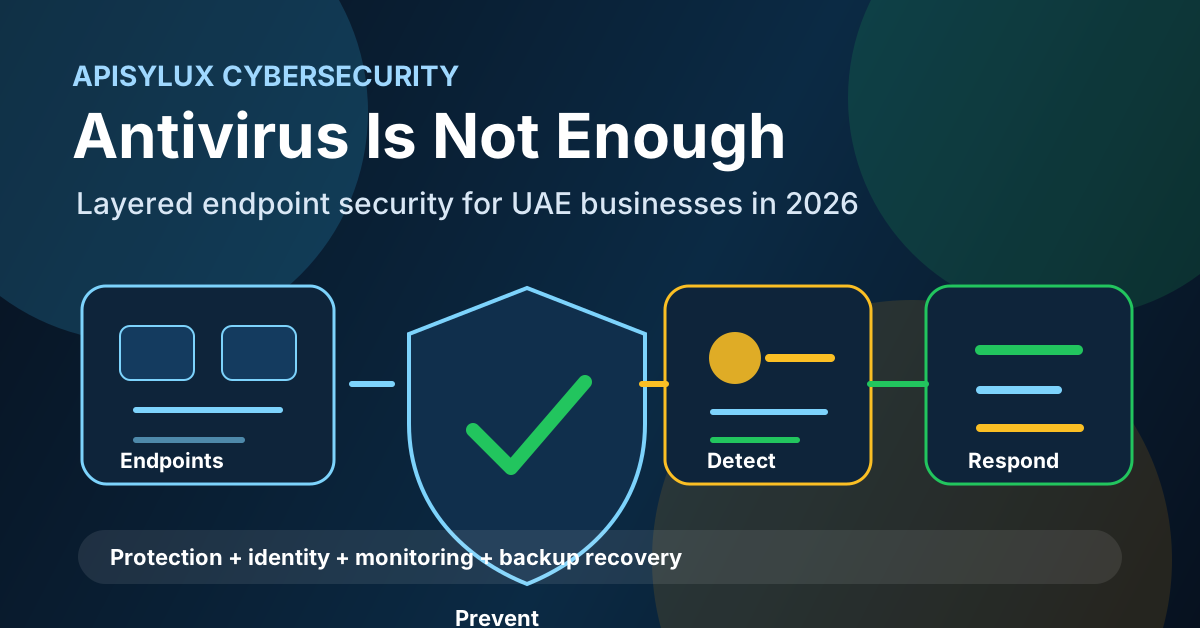
Why antivirus alone is limited
Traditional antivirus is strongest when it can compare files or behaviors against known malicious patterns. That is useful, but many incidents do not begin with a clearly malicious file. They can begin with a stolen password, a risky browser session, a malicious macro, a remote access tool, an unpatched application, or a legitimate admin utility used in the wrong way.
Need help with Cybersecurity?
Get a free strategy session with our experts — no commitment required.
NIST Cybersecurity Framework 2.0 is a better model for planning security because it treats cybersecurity as a lifecycle: govern, identify, protect, detect, respond, and recover. Antivirus belongs mostly in the protection layer. A business also needs visibility, response, recovery, and governance around who owns alerts and what happens during an incident.
What modern endpoint security includes
A practical endpoint security stack for a Dubai or UAE business should cover more than a licence purchase. It should define controls, monitoring ownership, and response actions.
- Next-generation protection: malware prevention, exploit protection, web controls, and attack surface reduction.
- Endpoint detection and response: device telemetry, alert timelines, investigation, isolation, and remediation workflow.
- Identity protection: MFA, conditional access, admin-account controls, and blocked legacy authentication where possible.
- Device management: patch state, encryption, security baselines, local admin review, and agent health reporting.
- Network visibility: DNS filtering, firewall policy, remote-access monitoring, and unusual outbound-traffic review.
- Recovery: tested backup, immutable or isolated copies, and documented restore responsibilities.
Microsoft describes Defender for Endpoint as an enterprise endpoint security platform for preventing, detecting, investigating, and responding to advanced threats across endpoints. That framing is useful even if you choose a different platform: the goal is a full operating loop, not just file scanning.
EDR vs antivirus
Antivirus asks whether a file, script, or behavior looks malicious. Endpoint Detection and Response asks a broader question: what happened on this device, how did it happen, what other systems may be affected, and what response should happen now?
| Capability | Antivirus only | Endpoint security with EDR |
|---|---|---|
| Known malware prevention | Yes | Yes |
| Device timeline | Limited | Process, file, user, network, and alert context |
| Ransomware response | May block known families | Behavior detection, isolation, investigation, and recovery coordination |
| Threat hunting | No or limited | Search historical endpoint activity for indicators and patterns |
| Operations reporting | Basic status | Coverage, open alerts, risky devices, and response evidence |
EDR is not a magic button. It still needs configured policies, healthy agents, trained responders, and a defined escalation path. Without those, alerts can pile up unnoticed.
Layered controls for UAE businesses
No single endpoint product stops every incident. Build layers that reduce the chance of compromise and reduce the blast radius if something gets through.
- MFA everywhere: prioritize Microsoft 365, VPN, remote access, admin portals, and finance systems.
- Conditional access: require trusted devices, compliant posture, and stronger controls for admins.
- Patch management: track operating system, browser, Microsoft Office, VPN client, and line-of-business app updates.
- Least privilege: remove unnecessary local admin rights and separate daily accounts from admin accounts.
- Email security: reduce phishing entry points with filtering, attachment controls, and user reporting.
- Network segmentation: prevent one workstation from reaching every file share, server, or backup target.
- Monitoring: define who reviews alerts, who can isolate devices, and who contacts management or vendors.
Apisylux can connect these controls through cybersecurity solutions, Microsoft 365 administration, and network monitoring so endpoint security is managed as an operating process.
Ransomware readiness
NIST IR 8374 Revision 1 describes ransomware risk management across governing, identifying, protecting, detecting, responding, and recovering from ransomware events. That is why endpoint security should be paired with recovery planning, not treated as the final line of defense.
- Before: reduce attack surface, harden identities, patch systems, remove risky admin access, and protect backups.
- During: isolate affected endpoints, preserve evidence, disable compromised accounts, and stop lateral movement.
- After: restore from tested backups, review root cause, close security gaps, and document lessons learned.
Your endpoint plan should integrate with backup and storage. Review the 3-2-1 backup strategy for UAE businesses, then validate whether your backup can survive compromised admin credentials, ransomware touching file shares, or a full office outage. For implementation, Apisylux can support Carbonite backup deployment and TrueNAS storage solutions.
Zero trust and endpoint posture
NIST SP 800-207 explains zero trust as a move away from static network perimeter trust toward users, assets, and resources. In practical terms, a device should not be trusted just because it is inside the office Wi-Fi. Access should depend on identity, device health, location, risk, and policy.
For many UAE SMBs, the easiest starting point is Microsoft Entra ID Conditional Access combined with device compliance, MFA, and endpoint protection health. The point is not to buy every security product at once. The point is to stop treating the office network as automatically safe.
Rollout checklist
- Inventory every endpoint: laptops, desktops, servers, mobile devices, BYOD, and remote users.
- Confirm the current antivirus/EDR agent health and identify unmanaged devices.
- Turn on MFA for all users and stricter controls for admin accounts.
- Choose the endpoint platform and confirm supported operating systems, plan tier, and local support path.
- Pilot policies with finance, operations, management, and IT before full rollout.
- Document response steps: isolate device, reset credentials, preserve evidence, restore files, and notify stakeholders.
- Run a backup restore test so endpoint response and recovery are linked.
- Review coverage, alerts, failed agents, and risky devices every month.
If you want to know whether your current antivirus setup is enough, start with a short endpoint security assessment. Apisylux can review your Microsoft 365 tenant, endpoint coverage, firewall, backup readiness, admin access, and incident response process. Book an endpoint security assessment and we will map the gaps before you spend on another tool.