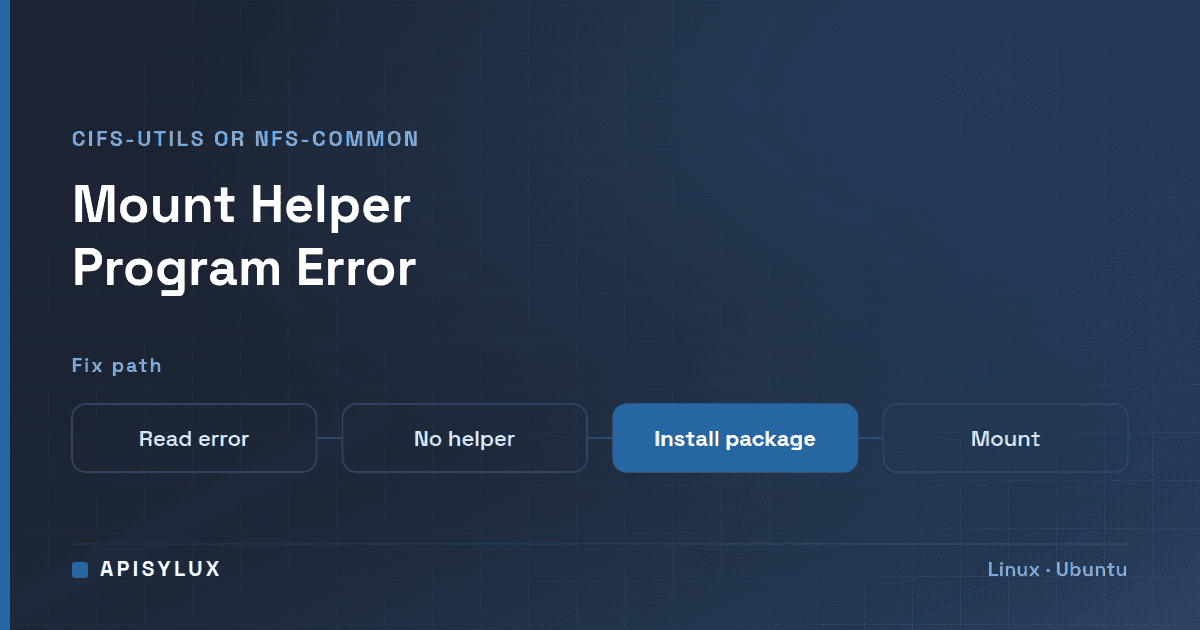
The error "you might need a /sbin/mount.<type> helper program" means mount found no helper program for the network filesystem type you asked for, usually cifs or nfs, so the kernel rejected the request as a bad option. Install the package that ships the helper, cifs-utils or nfs-common on Ubuntu and Debian, then run the mount again.
sudo apt update
sudo apt install cifs-utils     # SMB / CIFS shares
sudo apt install nfs-common     # NFS exports
Key takeaways
- For most filesystems
mountjust makes a system call. Fornfs,nfs4,cifs,smbfsandncpfs, it runs a separate program,/sbin/mount.<type>, if it exists. - If that program is not installed, the mount fails with the helper-program message. The fix is a package install, not a repair of the share.
- Package names differ by distribution:
cifs-utilsandnfs-commonon Ubuntu and Debian,cifs-utilsandnfs-utilson RHEL and its derivatives. - This post covers network shares (
//server/shareandserver:/export). For a local disk such as/dev/sdb1, see the separate wrong fs type, bad superblock guide.
What does "you might need a /sbin/mount.<type> helper program" mean?
The mount(8) manual page explains that for most filesystem types mount simply issues a mount(2) system call. For a few types (it names nfs, nfs4, cifs, smbfs and ncpfs) "an ad hoc code is necessary", so mount executes the program /sbin/mount.type, if that exists, when called with that type.
So when you run mount -t cifs ... on a machine without mount.cifs, or mount -t nfs ... without mount.nfs, there is no helper to hand the job to. mount passes the request straight to the kernel, the kernel rejects it as an invalid argument, and mount reports it. In the util-linux source that Ubuntu 24.04 ships (version 2.39.3), that failure prints the text below when the filesystem type is a network filesystem:
Need help with Linux?
Get a free strategy session with our experts — no commitment required.
bad option; for several filesystems (e.g. nfs, cifs) you might need a /sbin/mount.<type> helper programFor other filesystem types, the same failure prints the longer "wrong fs type, bad option, bad superblock on ..., missing codepage or helper program, or other error" message instead. On a network share, a missing helper is the first thing to check.
You can confirm it in seconds:
ls -l /sbin/mount.* /usr/sbin/mount.* 2>/dev/null
dpkg -s cifs-utils nfs-common      # Ubuntu / Debian: is each package installed?
If mount.cifs or mount.nfs is missing from the listing, or dpkg reports the package is not installed, the helper is absent. The Ubuntu 24.04 package file lists place the CIFS helper at /sbin/mount.cifs and the NFS helper at /usr/sbin/mount.nfs, so either location is normal.
How do I fix it for an SMB/CIFS share (Windows, TrueNAS, Samba)?
CIFS (SMB) shares are mounted by mount.cifs, which the manual page says is provided by the cifs-utils package. TrueNAS, Windows servers and Samba all export SMB, and the client side is the same on all of them.
- Install the client tools.
# Ubuntu / Debian sudo apt update sudo apt install cifs-utils # RHEL 9 and its rebuilds (Rocky Linux, AlmaLinux) sudo dnf install cifs-utils - Create the mount point and put the login in a credentials file, so the password is not in your shell history or
/etc/fstab. The Ubuntu Server documentation uses a file withusername=andpassword=lines and restricts it withchmod 600.sudo mkdir -p /mnt/share sudo nano /root/.smbcredentials # username=... password=... (optionally domain=...) sudo chmod 600 /root/.smbcredentials - Mount it.
sudo mount -t cifs //nas.example.local/share /mnt/share \
  -o credentials=/root/.smbcredentials
Leave out vers= at first. Per mount.cifs(8), when no version is given the client uses vers=default, which tries to negotiate the highest SMB2 or later version both sides support; the allowed explicit values include 1.0, 2.0, 2.1, 3.0, 3.02 and 3.1.1. The Ubuntu Server guide likewise advises trying without sec= or vers= first. mount.cifs may be used only by root unless installed setuid, so use sudo. TrueNAS documents SMB1 as deprecated and disabled by default, so do not reach for vers=1.0 against a NAS.
How do I fix it for an NFS export?
NFS exports are mounted by mount.nfs. On Ubuntu and Debian that comes with nfs-common; on RHEL-family systems the Red Hat documentation tells you to install nfs-utils.
# Ubuntu / Debian
sudo apt update
sudo apt install nfs-common

# RHEL 9 and its rebuilds (Rocky Linux, AlmaLinux)
sudo dnf install nfs-utils

sudo mkdir -p /mnt/nfs
sudo mount -t nfs nas.example.local:/mnt/tank/export /mnt/nfs
The source is written servername:/path/to/share, as the mount.nfs(8) manual describes. Use the export path as the server defines it, not a path you guess from the dataset name. For NFS, nfs(5) says that without vers= the client tries version 4.2 first and negotiates downward, so you rarely need to set it. If the server does not support a version you request, the mount fails.
Still failing? Read dmesg and check vers= and the share path
Once the helper is installed, a different error means you are past this problem. Work through these in order.
| What you see | Likely cause | Check |
|---|---|---|
| Same helper-program message | Wrong package installed, or the install did not complete | On Debian-family systems, dpkg -L cifs-utils | grep mount lists the helper files the package installed |
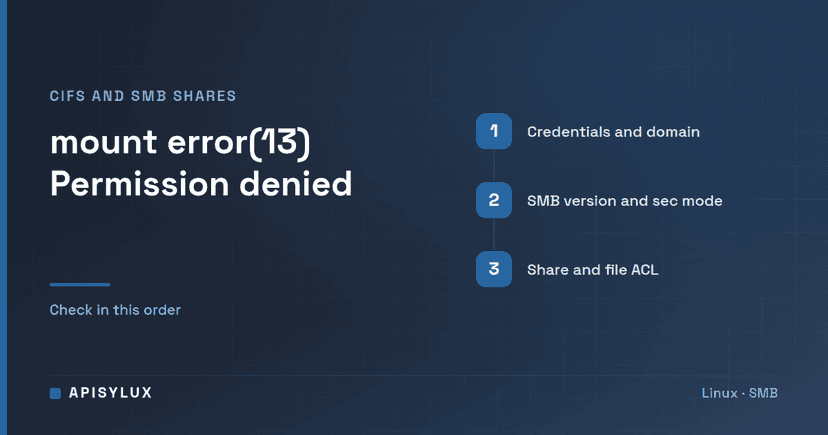
| mount error(13): Permission denied | Credentials, domain, or the SMB version or security mode | Recheck the credentials= file and domain=; only then try an explicit vers= or sec= |
| No such file or directory on the remote path | Wrong share or export path | Confirm the exact name in the TrueNAS share list |
| Access denied by server (NFS) | Client not in the allowed networks or hosts | Check the NFS share's authorized networks and hosts |
| Timeout or unreachable | Firewall, DNS or the NAS is down | ping the server and confirm the service is running |
The kernel log usually names the real reason:
sudo dmesg | tail -n 20On the TrueNAS side, the NFS share documentation notes that defining authorized systems restricts access to all other systems, and that leaving the field empty allows all networks. A client that is not on the list is refused even though its mount tools are fine. The SMB share page covers the equivalent user and permission settings.
Make the mount permanent in /etc/fstab, safely
Test the manual mount first. A bad /etc/fstab line can stall boot, so add the network options as well. Per mount(8), _netdev marks a filesystem that needs the network and stops the system trying to mount it before the network is up, and nofail stops errors being reported if the device is absent.
# SMB, using the credentials file
//nas.example.local/share  /mnt/share  cifs  credentials=/root/.smbcredentials,_netdev,nofail  0  0

# NFS
nas.example.local:/mnt/tank/export  /mnt/nfs  nfs  _netdev,nofail  0  0
Then test the file without rebooting:
sudo mount -a
findmnt /mnt/share
findmnt /mnt/nfs
If mount -a reports an error, fix the line before you reboot. If you are planning a NAS for a team, the TrueNAS storage solutions page describes how Apisylux approaches deployments, and the TrueNAS storage calculator helps size the pool before you create shares.
Further reading from the primary documentation: mount(8), mount.cifs(8), mount.nfs(8), nfs(5), the util-linux 2.39.3 source that prints the message, Ubuntu Server: mount CIFS shares permanently, TrueNAS SMB reference and TrueNAS 25.10: adding NFS shares.
FAQ
Is this the same as the /dev/sdb1 "bad superblock" error?
They are related but not the same. Both come from the same kernel "invalid argument" failure, but mount prints the helper-program hint only for network filesystems; for other types it prints the generic "wrong fs type, bad option, bad superblock ... missing codepage or helper program, or other error" message, which covers several causes. For a local disk the usual fix is in the disk's mount options or the filesystem itself, covered in our Ubuntu 24.04 wrong fs type guide. For //server/share or server:/export, a missing helper is the first thing to check.
Do I need root to mount a share?
Yes, normally. The mount.cifs(8) manual says the helper may be used only by root unless it is installed setuid, so run mounts with sudo. A user entry in /etc/fstab is not enough on its own for CIFS, because of that root-only rule. If ordinary users need the share, the simplest route is an /etc/fstab entry that the system mounts at boot.
Does WSL need this?
If you run mount -t cifs or mount -t nfs inside a WSL distribution, mount follows the same helper rule described in mount(8), so the same packages apply. Whether the WSL kernel supports the filesystem is a separate question; if it does not, you will see a different error after installing the package.
Does the -i option help?
No. The -i (--internal-only) flag tells mount not to call the helper even if it exists. For cifs and nfs that is the opposite of what you want.