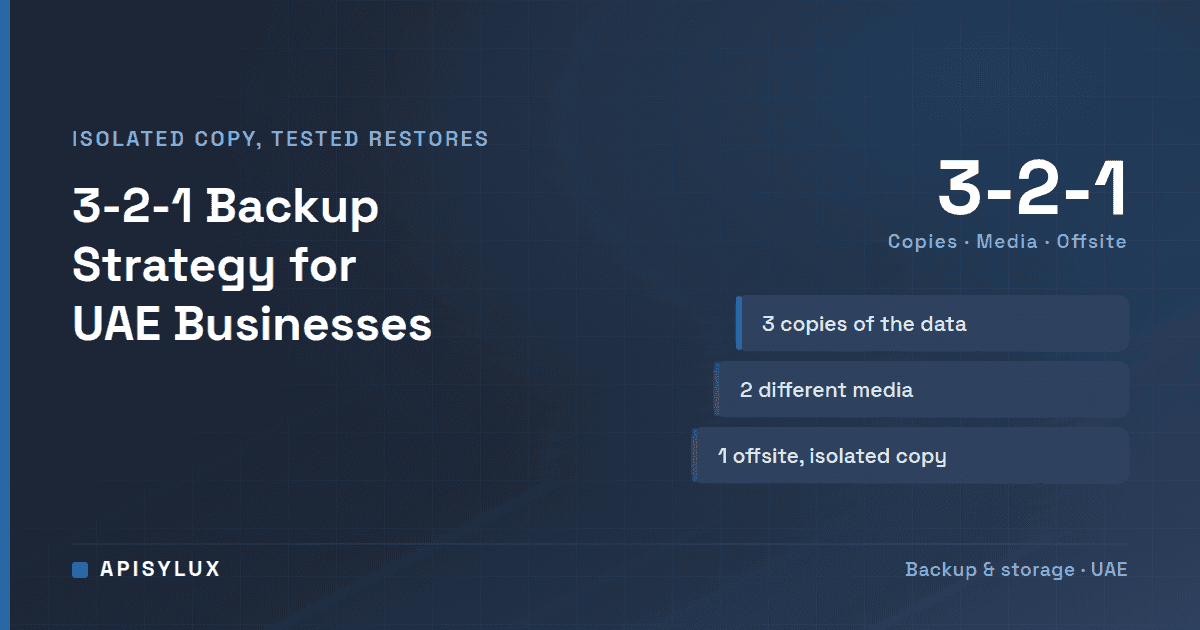
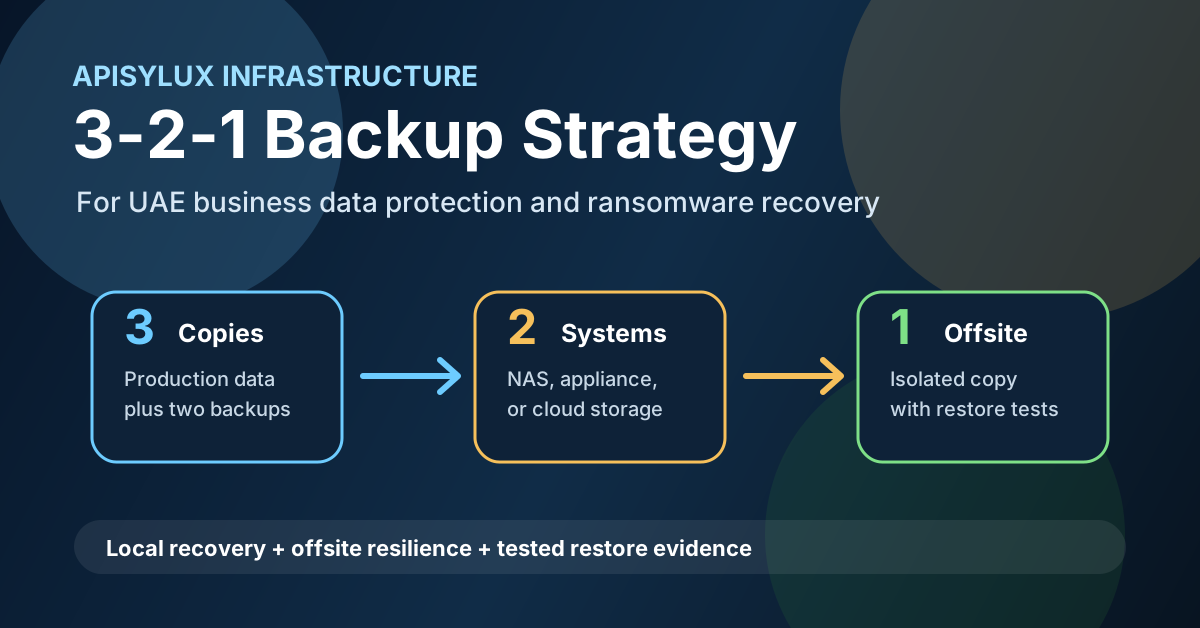
The 3-2-1 backup strategy is still the simplest way to explain business backup resilience: keep three copies of important data, store those copies on at least two different storage types or systems, and keep one copy away from the primary office or production network. For UAE businesses, the practical goal is not to own more storage. It is to prove that data can be restored after ransomware, accidental deletion, hardware failure, or a site outage.
What the 3-2-1 rule means
The rule breaks down into three decisions:
Need help with Backup?
Get a free strategy session with our experts — no commitment required.
- Three copies: the live production data plus two independent backup copies.
- Two storage types or systems: for example, a production file server plus a backup NAS, or a local appliance plus object storage.
- One offsite or isolated copy: a copy outside the primary office, outside the same server room, and ideally outside the same administrative credentials.
CISA's ransomware guide recommends keeping backups offline, because many ransomware variants try to delete or encrypt backups they can reach. A backup plan is a recovery plan, not just a storage purchase.
Why UAE businesses need more than a shared drive
A NAS, cloud sync, or RAID array is not the same as a tested recovery path. Common gaps include:
- RAID is treated like backup. RAID helps a system survive a disk failure, but it does not protect against deletion, ransomware, corruption, or an administrator mistake.
- Cloud sync replaces backup. Sync tools can replicate a bad change quickly. They are useful, but they do not replace point-in-time backup with retention.
- Backups use the same credentials as production. If an attacker compromises the admin account, they may be able to delete the backups too.
- No one tests restores. An untested backup is an assumption, not a recovery capability.
A practical 3-2-1 architecture
A Dubai or UAE office can implement the pattern without overbuilding. The exact products depend on data volume, compliance needs, recovery time, and budget, but the structure should be clear.
| Copy | Example location | Purpose | Key control |
|---|---|---|---|
| Production | File server, NAS, application server, or Microsoft 365 tenant | Daily business operations | Access control, MFA, patching, endpoint protection |
| Local backup | Backup NAS, appliance, or private server in the office or data center | Fast restore for common failures | Separate credentials and retention policy |
| Offsite copy | Cloud object storage, managed backup service, or second site | Recovery after office, hardware, or ransomware incident | Immutable or offline retention where possible |
For infrastructure-heavy teams, a TrueNAS storage system can serve as the local backup target. For endpoint, server, and Microsoft 365 data, a managed backup service such as Carbonite backup deployment can cover jobs, monitoring, retention, and recovery testing. The right answer may combine both.
The modern 3-2-1-1-0 extension
The classic 3-2-1 rule is a baseline. Ransomware planning often extends it to 3-2-1-1-0:
- 3: three copies of the data.
- 2: two storage types or systems.
- 1: one offsite copy.
- 1: one immutable, offline, or otherwise isolated copy that attackers cannot quickly alter.
- 0: zero restore errors found during verification.
The extra "1" and "0" matter because many ransomware variants try to find and delete or encrypt accessible backups (CISA), so a writable backup can end up inside the blast radius.
Backup Controls That Reduce Ransomware Risk
CISA also recommends encrypting offline backups of critical data and regularly testing their availability and integrity. Beyond the credentials and isolation points above, three controls are worth checking against your own setup:
- Deletion controls: stop ordinary users from deleting or editing backup sets, and require a second approval to remove anything before its retention period ends.
- A copy outside the domain: keep at least one copy outside the Active Directory domain and the production network, so a domain compromise does not reach it.
- Known-clean restore points: practise restoring from a point before the incident began, because the newest backup may already contain encrypted files.
These controls sit alongside endpoint and access protection. Our cybersecurity solutions cover the first line of defence, and the post on why antivirus alone is not enough explains why backups still matter when it fails. If nobody on your team owns failed-job review and restore tests, managed IT services can take that work on.
Restore testing and RTO/RPO planning
A backup plan should define what is backed up, how often backups run, how quickly systems must return, and how much data loss the business can tolerate.
- RTO: recovery time objective, or how long the business can wait before systems are restored.
- RPO: recovery point objective, or how old the latest usable backup can be.
- Restore test: a scheduled exercise that proves files, databases, or applications can be recovered from backup.
A company with file shares may choose a monthly sample-file restore as a starting point (our suggestion, not a CISA interval). A business running ERP, CRM, or e-commerce systems should test database and application recovery, not just file browsing. The test result should be written down: what was restored, from which backup point, how long it took, and what failed. CISA asks for regular testing without fixing an interval, so set yours by impact: systems with a short RTO deserve more frequent tests than an archive share.
Implementation checklist
- List critical data sources: servers, laptops, NAS shares, databases, Microsoft 365, Google Workspace, and SaaS exports.
- Classify data by business impact so backup frequency follows risk, not convenience.
- Choose local backup storage for fast recovery.
- Add an offsite or cloud copy with retention.
- Protect the backup console with MFA.
- Enable immutability, object lock, offline rotation, or hardened repositories where supported.
- Document RTO/RPO targets for each system.
- Run scheduled restore tests and keep evidence.
- Review backup alerts weekly and investigate failed jobs immediately.
If you are not sure where your current backup plan stands, start with an infrastructure audit. Apisylux can review your servers, NAS, Microsoft 365 data, endpoint backup status, and recovery objectives, then design a backup path that fits your risk and budget. Book a backup strategy discussion or estimate infrastructure scope using the TrueNAS storage calculator.
Frequently asked questions
Are snapshots enough against ransomware?
Not on their own. A snapshot sits on the same storage system as the data it protects, so an attacker with administrator rights there can remove it, and a failed pool takes it away too. Use snapshots for quick rollback, and keep a replicated or offline copy on a separate system.