Google Drive and Google Workspace are still excellent for many teams: they are simple, familiar, and strong for document collaboration. A private alternative becomes worth considering when a UAE business needs tighter control over where files live, how users share them, how long versions are retained, how backups are tested, or how internal applications store documents.
This guide compares practical private file-storage patterns for UAE companies: a Nextcloud workspace, a Seafile sync platform, S3-compatible object storage such as MinIO, and private server or TrueNAS-backed deployments. The goal is not to claim every company should leave Google Drive. The goal is to help you decide when private storage is the better architecture.
Need help with IT Infrastructure?
Get a free strategy session with our experts — no commitment required.
- When private storage makes sense
- Google Workspace control boundary
- Private Google Drive alternatives
- Side-by-side comparison
- UAE deployment patterns
- Security and governance checklist
- Migration plan
- Sources checked
When private storage makes sense
A private Google Drive alternative is usually worth a serious review when one or more of these conditions apply:
- Data-location control matters. You need a documented hosting design for client files, legal files, healthcare records, financial documents, tenders, or board material.
- External sharing needs stricter governance. You want default-expiry links, approval workflows, per-client spaces, download restrictions, and clearer offboarding controls.
- Large files are slow or expensive to sync. Media, CAD, CCTV, design, and backup datasets can be better served from a LAN-first or UAE-hosted platform.
- Applications need S3-compatible storage. Custom portals, document systems, backups, and logs may need object storage instead of a desktop-drive experience.
- Backup and retention need to be testable. You want snapshots, replication, immutable backup copies, restore drills, and administrator-visible audit evidence.
Google Workspace control boundary
Google Workspace already gives businesses strong collaboration, sharing controls, admin policies, and managed storage. Its official documentation also makes the control boundary clear: data-region choices and covered data are defined by Google Workspace plan and feature availability, not by your own server location. If a customer requires a specific UAE-hosted architecture, the design should be reviewed before assuming a standard SaaS workspace satisfies that requirement.
For many UAE SMBs, the best answer is not "replace Google Drive everywhere." A more realistic pattern is to keep Google Workspace for day-to-day documents and use private storage for sensitive client folders, project archives, application files, large design/media files, and backup-retention workloads.
Private Google Drive alternatives
Nextcloud Hub
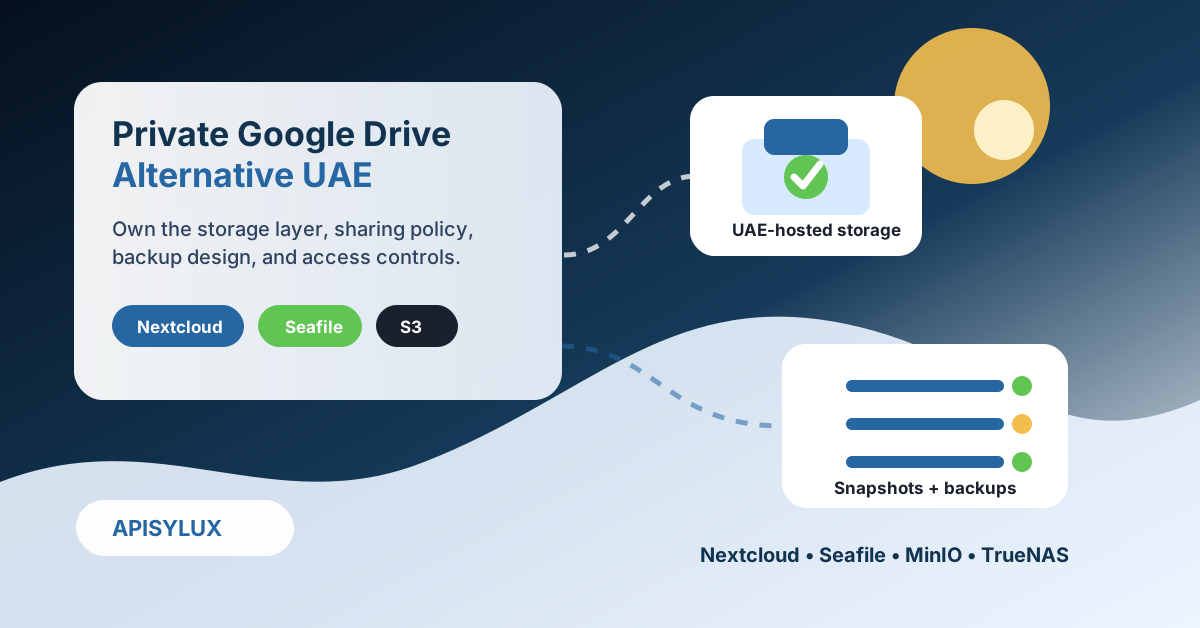
Nextcloud is the strongest all-round private workspace option. It covers file sync and sharing, web collaboration, mobile access, calendar/contacts, and app integrations. It is a good fit when users expect something close to a business cloud-drive experience but management wants the server, storage, backup, and access policy under company control.
Apisylux usually recommends Nextcloud when the business needs shared folders, client upload portals, office-document collaboration through an integrated office suite, MFA, groups, external sharing policy, and a familiar user experience.
Seafile
Seafile is better suited to performance-first file syncing. It is useful for teams with large folders, frequent sync activity, design assets, and users who need desktop-drive behaviour. It is not as broad as a full collaboration suite, but it can be simpler and faster for file sync.
MinIO or managed S3-compatible storage
MinIO is not a Google Drive clone. It is an S3-compatible object-storage platform. Use it for application files, backups, logs, document portals, media pipelines, and systems that already speak the S3 API. It is a backend storage layer, not the best choice for staff who expect desktop sync and shared folders.
TrueNAS and private server hosting
For companies that need predictable performance, local control, and a storage system that can support SMB/NFS/iSCSI/S3-style services, Apisylux can design the backend on TrueNAS storage or a private server hosting architecture. This can support Nextcloud, Seafile, MinIO, file shares, snapshots, backup targets, and office-to-office access.
Side-by-side comparison
| Option | Best fit | Strength | Watch-out |
|---|---|---|---|
| Google Drive / Workspace | General collaboration and external sharing | Excellent user adoption and document workflow | Hosting/data-region model is controlled by the SaaS provider and plan |
| Nextcloud Hub | Private team workspace and client file portals | Broad collaboration features with self-hosted control | Needs active server, update, backup, and security management |
| Seafile | Large-folder sync and desktop-drive style workflows | Strong file-sync performance and focused user experience | Less of a complete collaboration suite than Nextcloud |
| MinIO / S3-compatible storage | Applications, backup repositories, media objects, logs | S3 API compatibility and object-storage scalability | Not a staff-facing Google Drive replacement by itself |
| TrueNAS/private server backend | Controlled UAE-hosted storage foundation | Snapshots, replication, SMB/NFS/iSCSI/S3-style architecture | Needs sizing, monitoring, support, and recovery testing |
UAE deployment patterns
- Office-hosted appliance: Good for LAN-heavy teams, CCTV/design files, and branch offices. Pair it with UPS, RAID/ZFS design, snapshots, and offsite backup.
- Dubai private server or colocation: Good when users are spread across sites and need centrally hosted access with predictable ownership and support.
- UAE cloud object storage: Good for application files and backup repositories that need an API-first storage target. AWS lists a Middle East (UAE) region for S3 endpoints.
- Hybrid model: Keep Google Workspace for normal documents, then place sensitive client folders, archives, or app data on private storage.
For capacity planning, start with the TrueNAS storage calculator, then validate the design with expected file count, concurrent users, network uplink, snapshot retention, and recovery time objectives.
Security and governance checklist
- Require MFA for administrators and remote users.
- Use groups and role-based folders instead of user-by-user sharing sprawl.
- Set default expiry for external links and disable public links where they are not needed.
- Define retention rules for client folders, HR records, finance records, and project archives.
- Keep separate backup credentials so ransomware cannot delete primary storage and backups together.
- Test restore drills, not only backup jobs.
- Log administrator actions and review privileged access monthly.
- Document where the server, backups, and replicas are hosted.
Migration plan
- Inventory the current drive. Identify owners, stale folders, external shares, personal accounts, and duplicated archives.
- Classify data. Separate daily collaboration documents from sensitive records, large files, application data, and archives.
- Pick the right platform. Choose Nextcloud for workspace collaboration, Seafile for sync-heavy teams, MinIO for apps, or TrueNAS/private server for the storage foundation.
- Pilot one department. Move one controlled folder set first and test permissions, sharing, mobile access, restore, and support tickets.
- Migrate in waves. Keep rollback windows and owner sign-off for each department.
- Lock the old path. Archive or restrict personal-cloud usage, update SOPs, and train staff on the new sharing policy.