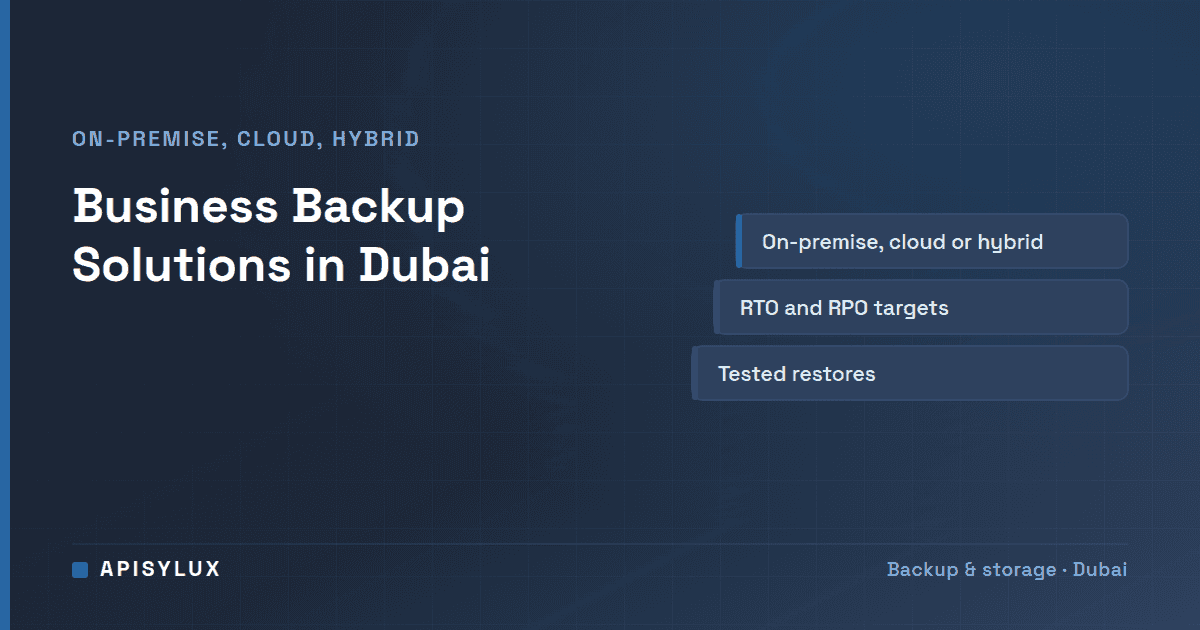
Data loss is a real operating risk for UAE businesses. Ransomware, hardware failures, accidental deletion, failed syncs, and SaaS misconfiguration can all interrupt operations. The question is not whether to back up, but which recovery architecture fits your data, systems, compliance posture, and budget.

Why Backup Matters More Than Ever in UAE
Backup is essential for any business that depends on its data. These risks apply in Dubai as elsewhere:
Need help with IT Infrastructure?
Get a free strategy session with our experts — no commitment required.
- Ransomware and credential abuse: Backups need isolation, immutability, least-privilege access, and restore testing.
- Hardware and environmental risk: Heat, dust, power, and hardware age make local redundancy and monitoring important.
- Fast business change: Growing teams often add SaaS tools, laptops, shared drives, and servers faster than backup policies are updated.
- Data governance: Backup design should support availability, integrity, retention, deletion, and audit expectations for the data you hold.
What Each Data Source Needs
Most offices keep data in several places at once, and each place fails in its own way. Mapping every source to a recovery method before you compare architectures keeps the comparison honest.
| Data source | Typical risk | Backup requirement |
|---|---|---|
| Office file shares | Accidental deletion, ransomware, disk failure | Local snapshots, a replicated copy, tested file restores |
| Business servers | OS corruption, failed update, hardware failure | Image or application-aware backup with a written restore runbook |
| Laptops | Lost device, user deletion | Endpoint backup with central reporting |
| Microsoft 365 | Deleted mailbox, SharePoint overwrite, account compromise | Cloud-to-cloud backup with point-in-time restore |
| Critical exports | A manual copy that was missed or overwritten | Scheduled export plus a verified backup job |
Microsoft 365 deserves its own line because retention is not the same as backup; our post on Microsoft 365 backup, retention and recovery covers the difference.
On-Premise Backup Solutions
On-premise backup stores copies on local hardware: a NAS, tape library, or dedicated backup appliance. Key characteristics:
- Fast recovery: Local restores are usually faster than pulling large datasets from remote cloud storage, especially when internet upload/download is constrained.
- No ongoing bandwidth cost: Large backup jobs don't consume your internet connection
- Vulnerable to physical disasters: Fire, flood, or theft at your premises destroys both primary data and backup simultaneously
- Ransomware risk: If ransomware has network access to your backup share, it may encrypt backups too — use offline or immutable backup media
Common on-premise patterns include backup appliances, NAS platforms, ZFS snapshots and replication, and backup software that supports physical servers, virtual machines, and endpoints. Choose based on restore needs, management skill, and testing discipline.
Cloud Backup Solutions
Cloud backup replicates data offsite. It can protect against local hardware loss, site incidents, and some ransomware scenarios, but costs and recovery speed depend on provider, storage tier, region, bandwidth, retention, and egress model.
| Cloud Option | Typical Fit | Key Checks |
|---|---|---|
| Low-cost object storage | Secondary/offsite backup copy | Region, immutability, egress, lifecycle policy |
| UAE-region hyperscale storage | Data-location-sensitive workloads | Region terms, backup tool support, recovery procedure |
| Managed backup cloud | Endpoint/server backup with central console | Workload coverage, retention, region, restore workflow |
| SaaS backup | Microsoft 365, Google Workspace, CRM, or app data | Independent copy, retention, permissions, export and restore paths |
Hybrid Backup Architecture
The hybrid model combines local recovery speed with offsite protection. It is often a strong fit for businesses that have more data than a simple cloud-only endpoint plan can restore quickly:
- Primary backup: Nightly full/incremental backup to local NAS or backup appliance (fast restore)
- Snapshot layer: ZFS snapshots on the backup NAS, on a schedule that matches your RPO, for rapid recent-state recovery
- Offsite replication: Daily or weekly sync of backup data to cloud storage (disaster recovery, ransomware protection)
- Immutable backup: At least one copy is write-once/read-many — either tape, Wasabi Object Lock, or Backblaze B2 with Object Lock enabled
Cost Comparison: On-Premise vs Cloud vs Hybrid
Prices vary with vendor, retention and region, so we do not publish fixed AED figures here. Ask each supplier to quote hardware, licence or storage tier, egress and support separately.
| Architecture | Example setup | What drives the cost |
|---|---|---|
| On-premise only | Two NAS systems, one per site | Hardware, drives, second-site connectivity, support |
| Cloud only | A managed backup service or object storage | Storage tier, retention, egress, number of workloads |
| Hybrid | Local NAS plus an offsite object-storage copy | Both of the above, plus monitoring across two layers |
Cloud-only can look cheaper at first, but restore speed, egress, retention, compliance, and operational testing change the real cost. Hybrid is often chosen when the business needs both fast local recovery and offsite protection.
Understanding RTO and RPO
When selecting a backup solution, define your requirements first:
- RPO (Recovery Point Objective): How much data can you afford to lose? If RPO = 24 hours, daily backups are sufficient. If RPO = 1 hour, you will likely need hourly snapshots or continuous protection.
- RTO (Recovery Time Objective): How long can you afford for systems to be down? If RTO = 4 hours, you need local backup and tested restore procedures. If RTO = 30 minutes, you will likely need replication to a standby system.
Choosing the Right Solution for Your Business
As a rule of thumb:
- Under 10 employees, under 500 GB data: Managed endpoint or SaaS backup plus a simple local recovery copy may be enough if restore tests pass.
- 10-50 employees, 500 GB-5 TB data: NAS or backup appliance plus offsite object storage is a common cost/capability balance.
- 50-200 employees, 5-50 TB data: Dedicated backup software, backup server or appliance, immutable storage, and offsite replication become more important.
- 200+ employees or mission-critical RTO: Consider enterprise backup, replication, immutable storage, runbooks, monitoring, and tested standby capacity.
Questions to answer before you buy
- How much data do you protect in total, and how large would the restore be in the most likely incident?
- Can your office upload capacity carry the first full copy, and can the download side carry a full restore within your RTO?
- What is your three-year growth forecast, once retention is included?
The TrueNAS storage calculator can turn the first and third answers into a local capacity estimate.
Backup Implementation Checklist
- Inventory every server, endpoint, file share and SaaS data source, using the table above as the starting list.
- Keep one fast local copy and one offsite copy for each workload that matters.
- Name one owner for daily job review and for the restore tests described above, and decide that before you buy tools.
- Investigate failed jobs the same day they appear.
- Re-check the plan whenever you add a server, a SaaS tool or an office.
Frequently Asked Questions
Which backup setup suits a small Dubai business?
The simplest setup that is monitored, kept apart from everyday user access and tested. Endpoint or SaaS backup plus a local recovery copy can work for small data sets; larger teams usually need a NAS, backup software and an offsite copy.
How much does business backup cost in Dubai?
Cost depends on protected data size, retention, the number of devices or workloads, local hardware, cloud storage tier, management and monitoring. Compare the first-year cost and the three-year cost, not just the storage price, and ask each supplier to quote hardware, storage, egress and support separately.
Can a NAS be attacked by ransomware?
Yes. A NAS is reachable by every account with write access to its shares, so ransomware on one laptop can encrypt shared folders, and exposed backup credentials put the backup copies at risk as well. CISA's ransomware guide recommends offline, encrypted backups for this reason. Restrict write access, take snapshots, replicate to a separate system and monitor for unusual changes.